

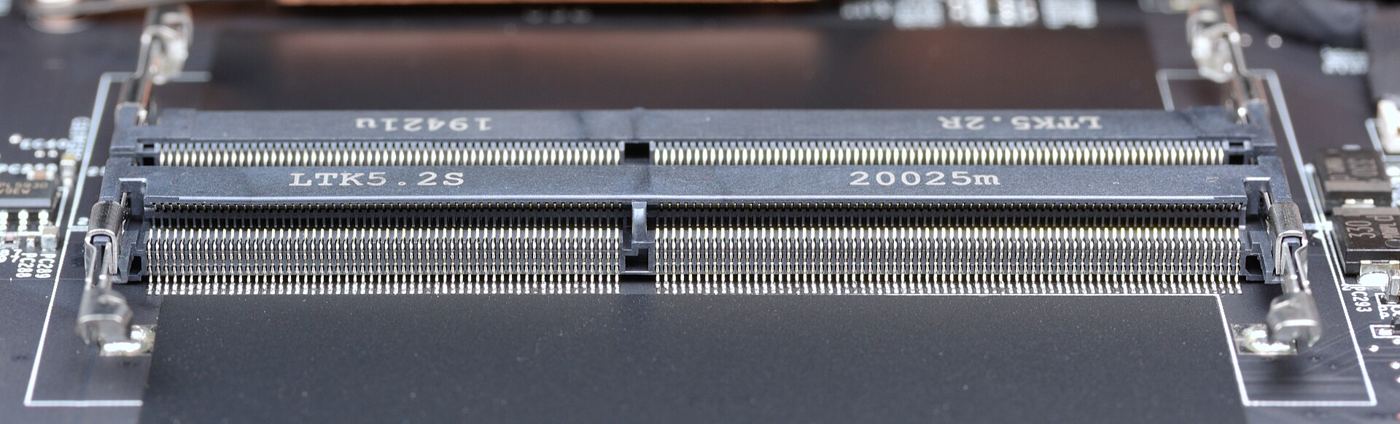
There is a particular kind of frustration reserved for owners of older laptops. The machine was fine when you bought it, but software has grown heavier every year, and now a browser with a handful of tabs can bring the whole system to a crawl. Adding more RAM is the obvious answer, yet many older machines are already at their limit, have soldered memory, or simply are not worth the cost of an upgrade.
Why Old Machines Run Out of Memory First
Modern software assumes generous hardware. A single chat application can use as much memory as an entire operating system once did, and background updaters, launchers and sync services compete for whatever is left. On a machine with four or eight gigabytes, that competition ends quickly. Windows responds by paging data to disk, and on an old spinning hard drive that is painfully slow.
The encouraging part is that a surprising amount of memory at any moment is not doing anything useful. Programs reserve more than they need, caches linger after tasks finish, and processes keep hold of blocks they touched hours ago. That slack is what a memory optimiser targets.
Small Tool, Sensible Approach
Wise Memory Optimizer takes a refreshingly modest approach to the problem. It is a small download with a plain interface: a graph of current memory use, a button to optimise, and a handful of settings for those who want them. Press the button and it releases memory that applications have allocated but are not actively using, returning it to the pool Windows can hand out to the program in front of you.
Two extra features stand out on older hardware. The first is automatic optimisation, which triggers a clean-up when free memory drops below a level you choose, so the machine looks after itself during long sessions. The second is memory defragmentation, which reorganises data in RAM. Fragmented memory can leave plenty of free space in total but no single gap large enough for a demanding program; tidying the layout removes that particular bottleneck.
Realistic Expectations, Real Gains
It is worth being honest about what a tool like this cannot do. It will not make a ten-year-old laptop run modern games, and it cannot create memory out of thin air. What it can do is delay the paging and stuttering that make older machines unpleasant, often recovering hundreds of megabytes at a stroke. For the full picture of what it offers, see wisememoryoptimizer.com.
What to Expect After a Clean-Up
The change is easiest to feel in the minutes that follow. Programs you already had open respond more quickly, because the memory they reach for is actually there. A browser that had begun reloading tabs every time you clicked them will often hold them properly again. The free-memory reading in the tool’s own display will have jumped — on a cluttered machine, a first clean-up commonly returns several hundred megabytes, and figures above a gigabyte are not unusual after a long day of use.
Two habits multiply the benefit. First, look at your startup list every few months and disable anything you do not recognise as essential; every program that never starts is memory that never gets wasted. Second, treat a clean-up like opening windows in a stuffy room: most useful just before demanding work, and painless enough to do whenever the machine feels heavy. On ageing hardware, small mercies stack up quickly.
Used with a little common sense — closing genuinely unused programs, keeping startup apps under control — an optimiser stretches the useful life of a machine considerably. Before you price up a replacement or attempt a fiddly hardware upgrade, it is worth spending five minutes reclaiming the memory you already own. On an older PC, that small reclaim can be the difference between tolerable and unusable.
Related reading: Quantum Networks Leave the Lab Bench
